
PhotoEditorAI vs Canva: Which AI Photo Tool is Truly Better in 2026?
Choose Canva if your primary objective is assembling social media posters, multi-slide carousels, corporate presentations, and marketing banners with animated typography and ready-made templates. Choose PhotoEditorAI if you need dedicated photographic precision: sub-pixel hair background isolation, heirloom vintage scratch restoration, studio portrait relighting, and government-compliant passport specs with affordable pay-as-you-go Indian UPI pricing (from ₹199).
Live Photographic Benchmark: Edge Isolation & Retouching
Test our sub-pixel edge detection and lighting balance directly in your browser. Drag the aperture divider.
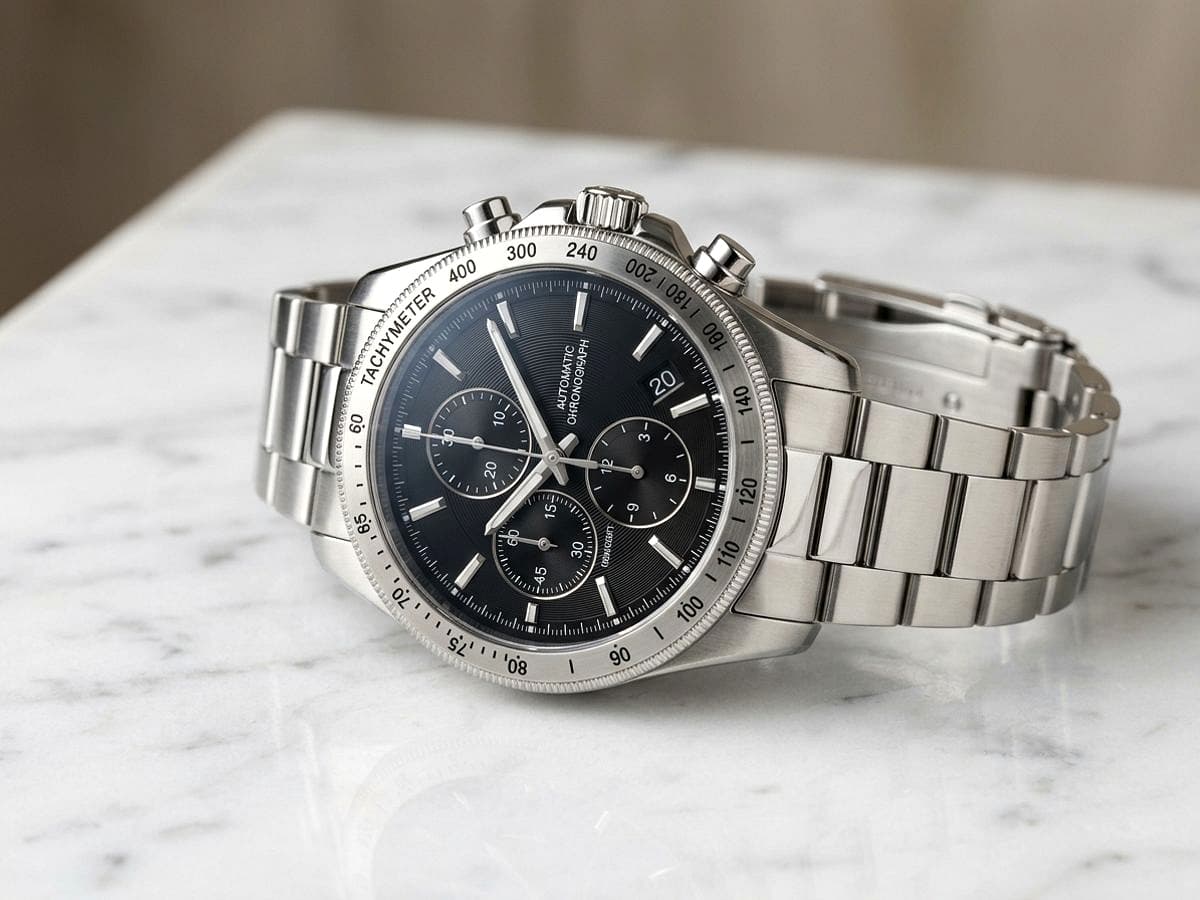
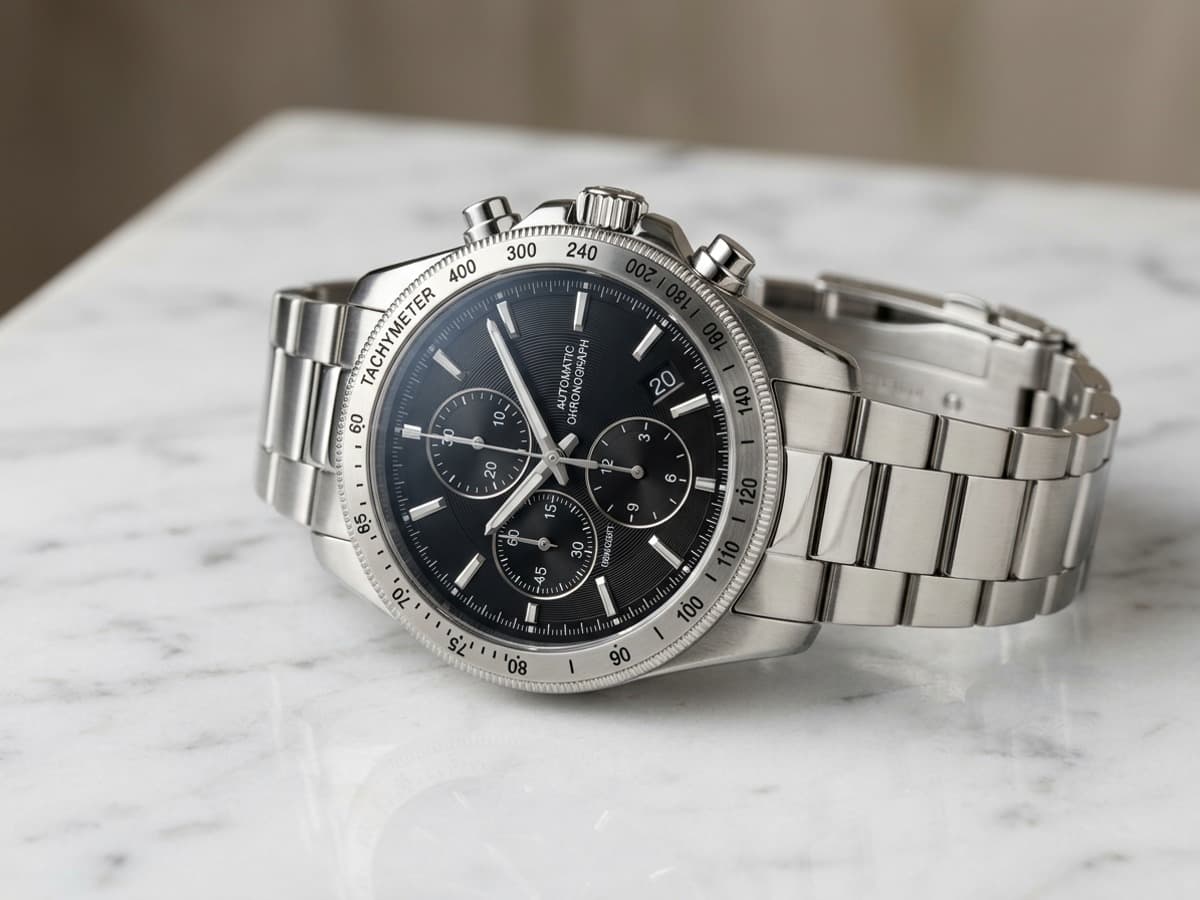
PhotoEditorAI.in
A high-precision generative darkroom designed for photographers, e-commerce sellers, and creators who prioritize pixel fidelity, natural textures, and lightning-fast browser workflows.
Canva (Magic Studio)
The global titan of template-driven graphic design, ideal for social media managers, marketers, and teams who need multi-slide collaterals and presentations.
Exhaustive 20-Parameter Technical Benchmark
An objective, point-by-point breakdown covering photographic optics, AI algorithms, latency, pricing flexibility, and usability.
| # | Parameter / Dimension | PhotoEditorAI | Canva Magic Studio | Advantage |
|---|---|---|---|---|
| 01 | Sub-Pixel Alpha Background Matting Object Isolation | Dedicated neural model with sub-pixel feathering for wispy hair, furs, & glass | Solid binary cutout; can struggle with fuzzy hair edges and fine transparent objects | PhotoEditorAI |
| 02 | Generative Inpainting & Magic Erasure Pixel Retouching | Multimodal vision inpainting matching optical grain, texture, and light angle | Magic Eraser smudges well on simple backdrops; can blur complex patterned surfaces | PhotoEditorAI |
| 03 | Archival Photo Scratch & Crease Restoration Heritage Restoration | Specialized crack inpainting, sepia neutralizer, and facial detail reconstruction | Basic global color filters and contrast sliders; no specialized heritage crack inpainting | PhotoEditorAI |
| 04 | Portrait Studio Relighting (Virtual Softbox) Lighting & Physics | 3D facial depth mapping with realistic 3-point studio lighting & Kelvin color temperature | 2D global brightness, contrast, and vignette sliders without 3D depth awareness | PhotoEditorAI |
| 05 | Indian Passport & Visa Compliance Engine Biometric Standards | Automated 35×45mm formatting, 70-80% face ratio, and shadowless pure white canvas | Manual canvas resizing; no automated biometric facial ratio or embassy spec validation | PhotoEditorAI |
| 06 | 4K / 8K Generative Super-Resolution Upscaling Image Fidelity | Neural micro-texture synthesis for high-DPI prints and large billboard exports | Standard 1x to 3.125x canvas export scale with linear pixel interpolation | PhotoEditorAI |
| 07 | Multi-Slide Marketing & Graphic Templates Layout & Typography | Focused strictly on pure photographic optics; no vector templates | 100,000+ pre-designed templates for Instagram, YouTube, flyers, brochures, & slides | Canva |
| 08 | Vector Typography & Animated Text Effects Layout & Typography | Photo-first canvas; no animated font suites | Extensive commercial font library, curved text, drop shadows, and motion presets | Canva |
| 09 | Natural Language Prompt Editing AI Multimodal Control | Gemini Flash Vision direct multimodal prompts ("Relight with warm golden hour sidelight") | Magic Edit prompt inpainting with 1024px regional replacement | PhotoEditorAI |
| 10 | Pricing Model & Subscription Flexibility Cost & Billing | Pay-as-you-go credit packs from ₹199; zero recurring monthly subscription lock-in | Mandatory recurring subscription (₹499/mo or ₹3,999/yr) for Magic Studio AI features | PhotoEditorAI |
| 11 | Indian UPI, RuPay & NetBanking Support Cost & Billing | Native UPI QR, Google Pay, PhonePe, Paytm, RuPay, and GST invoices | Credit/Debit card recurring mandates; international billing constraints for some cards | PhotoEditorAI |
| 12 | Inference Latency & Render Speed Performance | 1.2s to 2.8s turnaround for heavy background isolation & relighting | 4s to 12s generation queue depending on server peak load and Magic Studio queue | PhotoEditorAI |
| 13 | EXIF Metadata & Lens Optics Preservation Darkroom Standards | Preserves camera metadata, focal length, ISO, and real-time Kelvin readout | Strips camera EXIF tags upon canvas export into standard raster web files | PhotoEditorAI |
| 14 | Zero Account Friction / First Edit Free User Experience | 100% free first edit without mandatory signup, password, or credit card | Mandatory account creation (Google/Email) and login before accessing any editor tools | PhotoEditorAI |
| 15 | E-Commerce Pure White Background (Amazon/Flipkart) Commercial Utility | 1-click calibrated 100% #FFFFFF background with realistic contact drop-shadow | Transparent cutout export requires Pro subscription; manual background layer positioning | PhotoEditorAI |
| 16 | Video & Audio Multi-Track Editing Multimedia Suites | Strictly dedicated to high-resolution photographic still images | Multi-track timeline video editor with stock audio tracks and animated transitions | Canva |
| 17 | Data Privacy & Zero Image Scraping Security & Ethics | Volatile in-memory processing; zero image retention or model training on private files | Cloud project library storage with AI terms allowing system analytics under standard TOS | PhotoEditorAI |
| 18 | Export Formats & Transparent Alpha PNG File Support | Uncompressed 32-bit RGBA PNG, WebP, high-Q JPEG with original resolution | Transparent PNG is locked behind paid Canva Pro subscription tier | PhotoEditorAI |
| 19 | Mobile Web Usability & Agility Accessibility | Streamlined responsive mobile browser darkroom; no app installation required | Feature-rich native mobile app (iOS/Android) plus responsive browser experience | Canva |
| 20 | Commercial Usage Rights & Licensing Legal Ownership | 100% full commercial rights; creator owns 100% of the modified output | Full commercial rights on custom work; stock element licensing rules apply | Tie |
Deep Category-by-Category Analysis
1. Background Removal & Alpha Edge Matting
While Canva’s one-click background remover works well on high-contrast studio shots, it tends to clip fine curly hair, semi-sheer fabrics, and shiny metal edges. PhotoEditorAI incorporates sub-pixel neural edge matting that predicts gradient transparency on a pixel-by-pixel level, producing natural, un-haloed cutouts ready for e-commerce listings or dark backdrops.
2. Heirloom & Vintage Photo Restoration
Old family photographs often suffer from physical folding cracks, gelatin tears, water stains, and sepia degradation. Canva lacks deep restoration models. PhotoEditorAI deploys specialized generative repair architectures that identify surface fracture patterns, reconstruct missing facial features, and revive true tonal balance.
3. Pricing Flexibility: UPI Pay-as-you-Go vs Subscription
Canva places its best AI tools behind Canva Pro (approx ₹499/mo or ₹3,999/year with recurring credit card auto-debit). For casual users or small merchants who only need 5 to 10 photos edited per month, this represents unnecessary overhead. PhotoEditorAI offers a free first run and ₹199 micro-credit packages payable via UPI (Google Pay, PhonePe, Paytm) with zero recurring obligations.
4. Indian Passport & Visa Biometric Standardization
Indian passport authorities and international visa portals (US DS-160, Schengen) reject photos if the face covers less than 70% or more than 80% of the vertical frame or if shadows linger behind the ears. PhotoEditorAI features an intelligent passport framing engine that checks compliance instantly. Canva requires tedious manual cropping with no biometric validation.
Decision Blueprint: When to Choose Canva vs PhotoEditorAI
Choose Canva If You Need:
- Multi-page pitch decks, PDF brochures, and corporate slide presentations.
- Social media banners with pre-formatted typography, stickers, and brand kits.
- Team collaboration where multiple designers edit text layers simultaneously.
- Short-form video editing with audio track overlays for Reels and TikToks.
Choose PhotoEditorAI If You Need:
- Sub-pixel hair cutout precision for e-commerce products (Amazon/Flipkart).
- Restoring cracked, sepia-toned vintage photographs without blurry artifacts.
- Official Indian 35×45mm passport and visa photo compliance in 3 seconds.
- Pay-as-you-go Indian UPI pricing (₹199) without recurring credit card bills.
Canva vs PhotoEditorAI: Common Questions Answered
What is the core difference between PhotoEditorAI and Canva?
Canva is a drag-and-drop graphic layout application with pre-built social templates and typography. PhotoEditorAI is a digital darkroom engineered for neural photographic optics: sub-pixel edge matting, scratch inpainting, 3-point relighting, and passport biometric compliance.
Can I use both tools together in my creative workflow?
Yes, in fact this is the gold standard workflow for many pro creators! You polish your photos, remove backgrounds, or restore vintage assets in PhotoEditorAI first, export uncompressed 32-bit transparent PNGs, and then drop them directly into Canva to build banners and decks.
Is PhotoEditorAI really cheaper than Canva Pro?
If you only edit images periodically, yes! Canva Pro costs ~₹499/month on auto-debit. PhotoEditorAI has zero recurring subscription locks; you can buy ₹199 token packs via UPI whenever you need them, and credits never expire.
How does PhotoEditorAI protect my uploaded photos?
Your images are processed strictly in volatile memory and purged immediately after processing. We do not train public AI models on your personal photos or retain archival logs on cloud servers.
Does PhotoEditorAI work on smartphones without an app?
Yes. The web app is completely responsive on mobile Safari and Chrome. You can take a selfie or upload a photo directly from your camera roll and download high-resolution results in seconds.
Can I get passport photos for government portals?
Yes. PhotoEditorAI includes a specialized passport engine calibrated for Indian Passport (35×45mm), US Visa (2×2 inch), and PAN Card dimensions with accurate 80% facial ratio alignment.
Explore More AI Photo Editor Comparisons
Ready for Clean Cuts and Natural Photographic Precision?
Test PhotoEditorAI right now with zero account creation, zero credit card info, and zero watermarks.